Can I use my WIC card at any grocery store?
WIC (Johnson and Shelby County) benefits can only be redeemed at Walmart, Meijer and Kroger.

Common questions when redeeming benefits.
-
Do I need to separate my WIC items from my other groceries at checkout?
- You do not need to separate your grocery items into two transactions. You can scan all items, pay with your WIC card first. The card will pay for all qualified items, then use your normal payment method for the remaining balance.
- IF you are a first time WIC user this method is not recommended. For first time users we do recommend separating the items, so the client is able to see what is covered and what is not.
-
How do the Fruit and Vegetable benefits work?
- You are issued a set dollar amount (Cash Value Benefit or CVB) for fresh, frozen , or canned fruits and vegetables. They cannot be in syrup or have any additives (spices, sauces, herbs, ext) other then juice or water.
- You can mix and match different varieties, and if your produce costs more than your benefit amount, you can use your normal payment method to pay the difference.
- If you try using the scanning feature on the app for fresh fruits and vegetables, it will not work. They use a different type of barcode for those items.
-
What if we do not like an offered food?
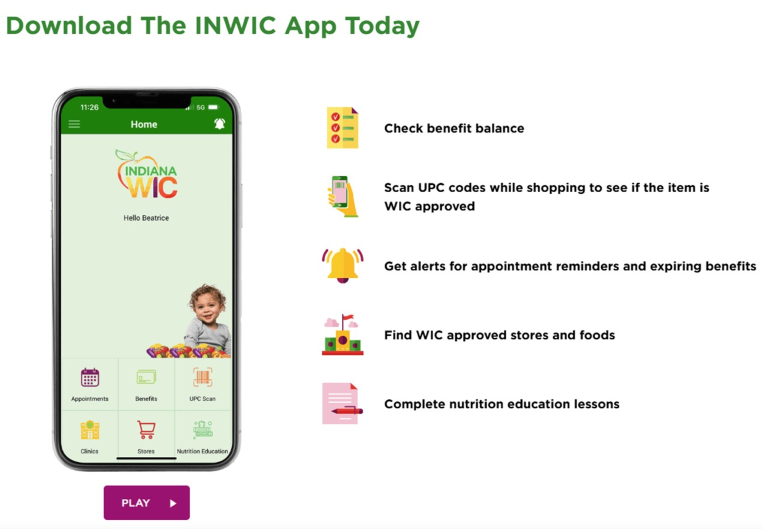
- On the WIC app, under benefits it will list out the benefits available per household. If there is a food that is not being used CLICK the icon listed under the benefit tab.
- Some foods have alternatives available. If you are not using a food benefit and do not see an alternative listed on your app, Call us!
Helpful Grocery Tips
-
Product Sizing
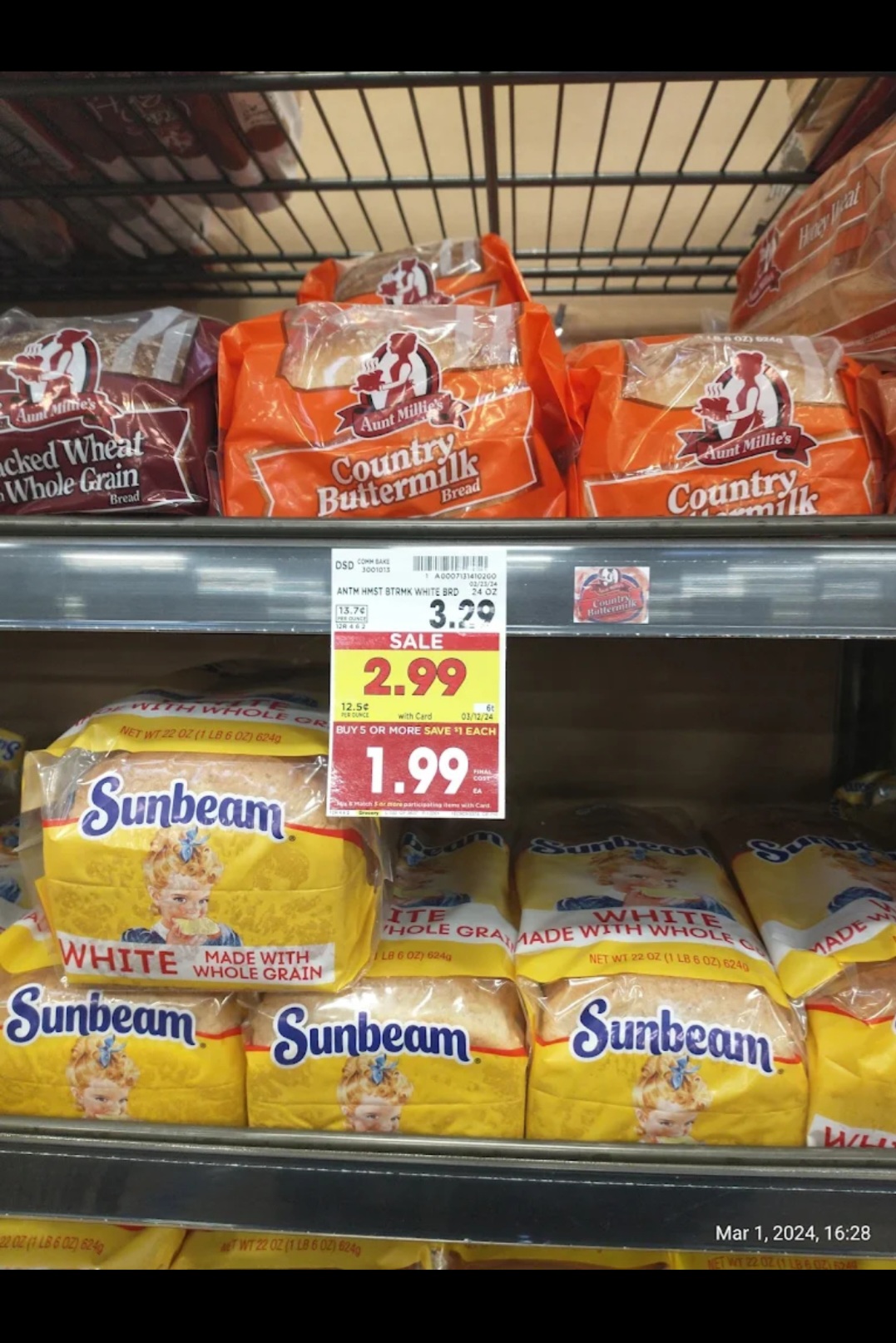
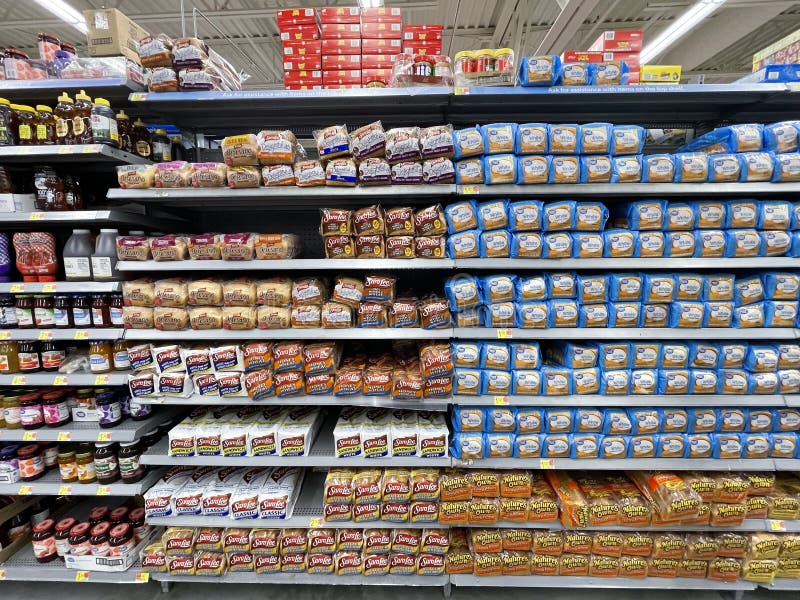
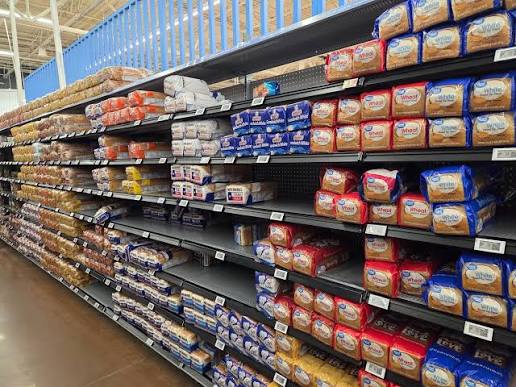
- Many approved items are based on package size, not just brand or price.
- Use the INWIC app to check eligible sizes:
- Open the Benefits tab.
- Select a benefit icon to view:
- Approved brands
- Eligible package sizes
- Available alternatives
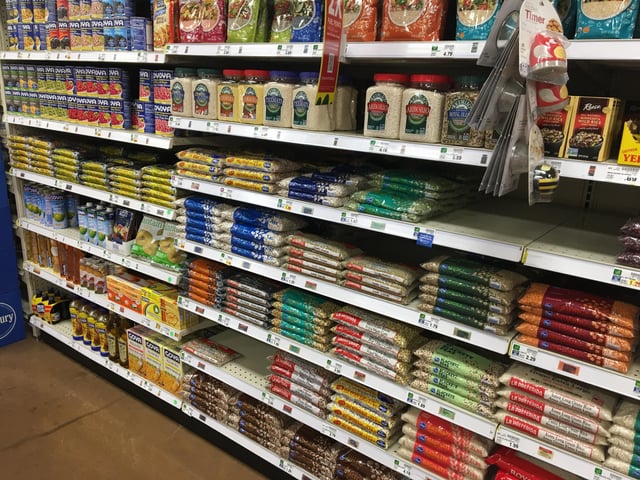
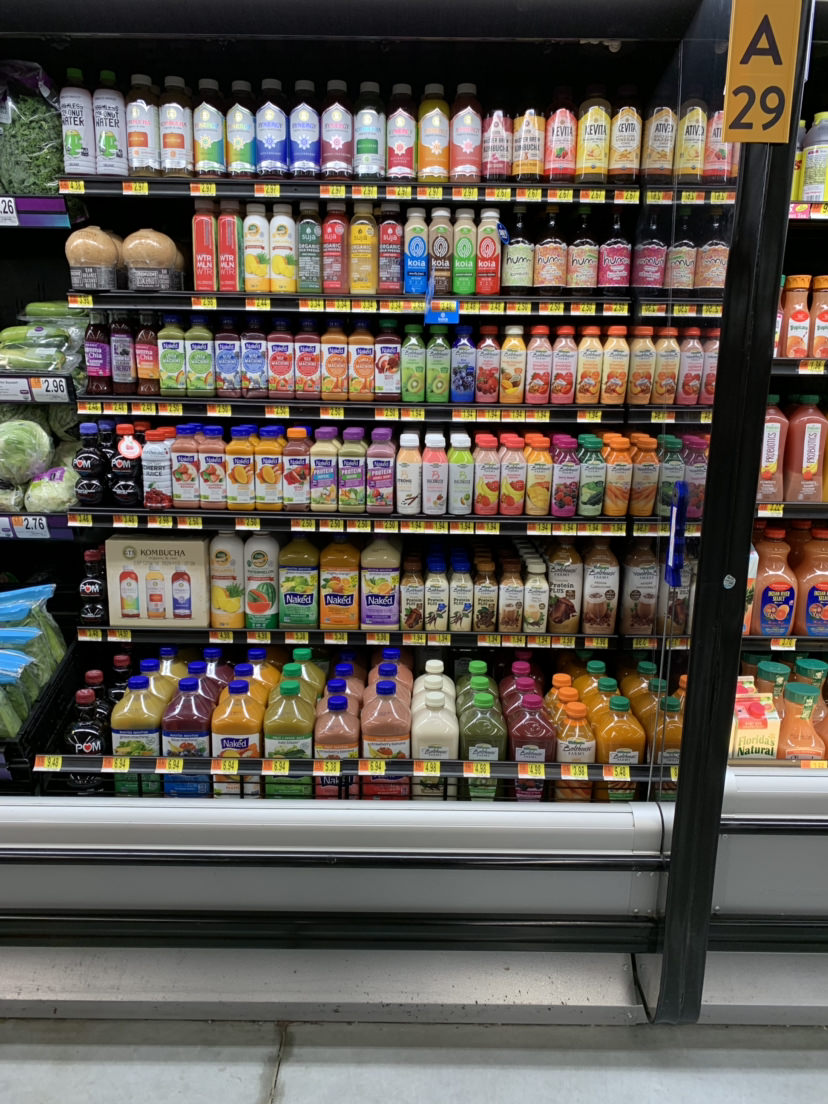
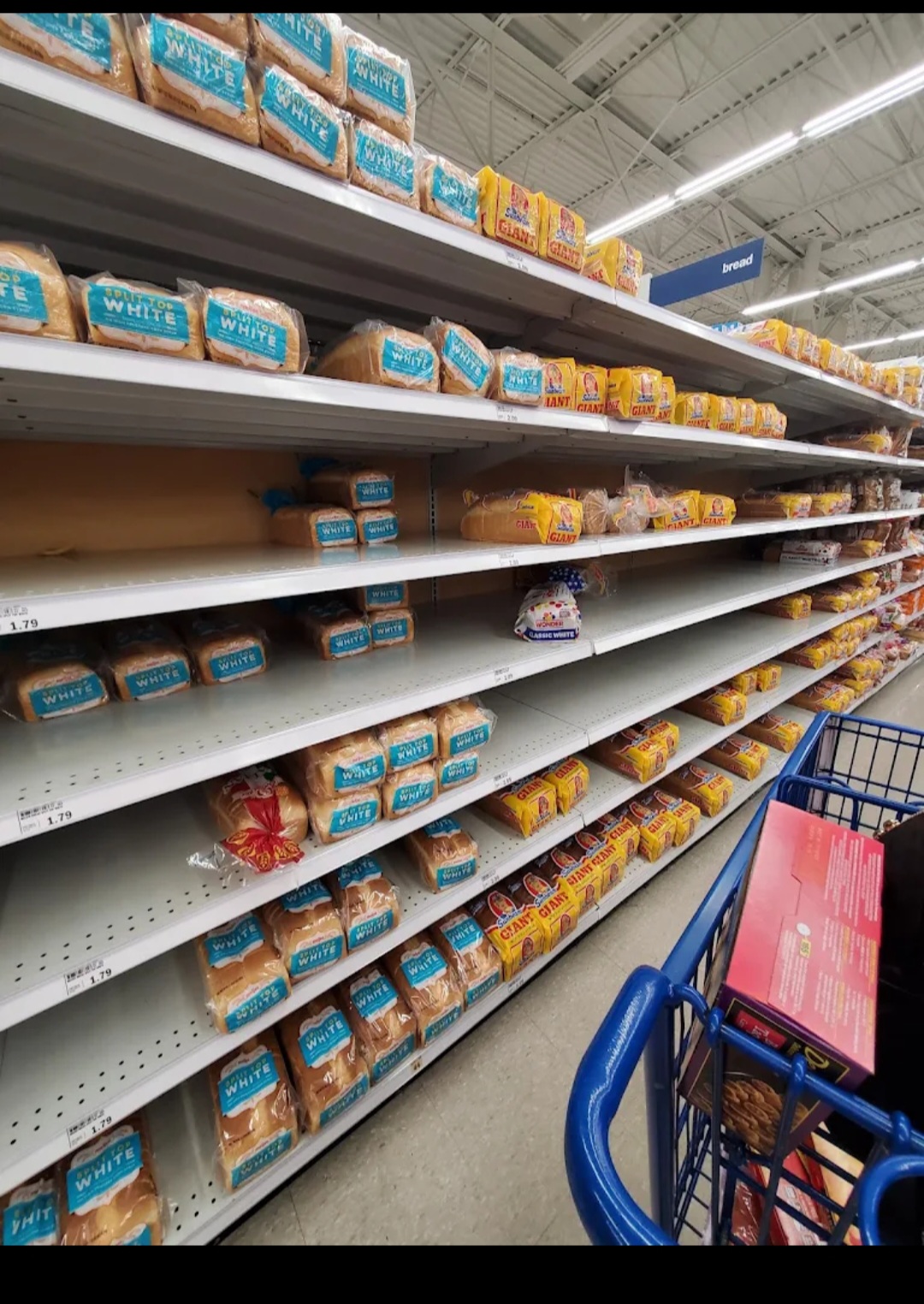
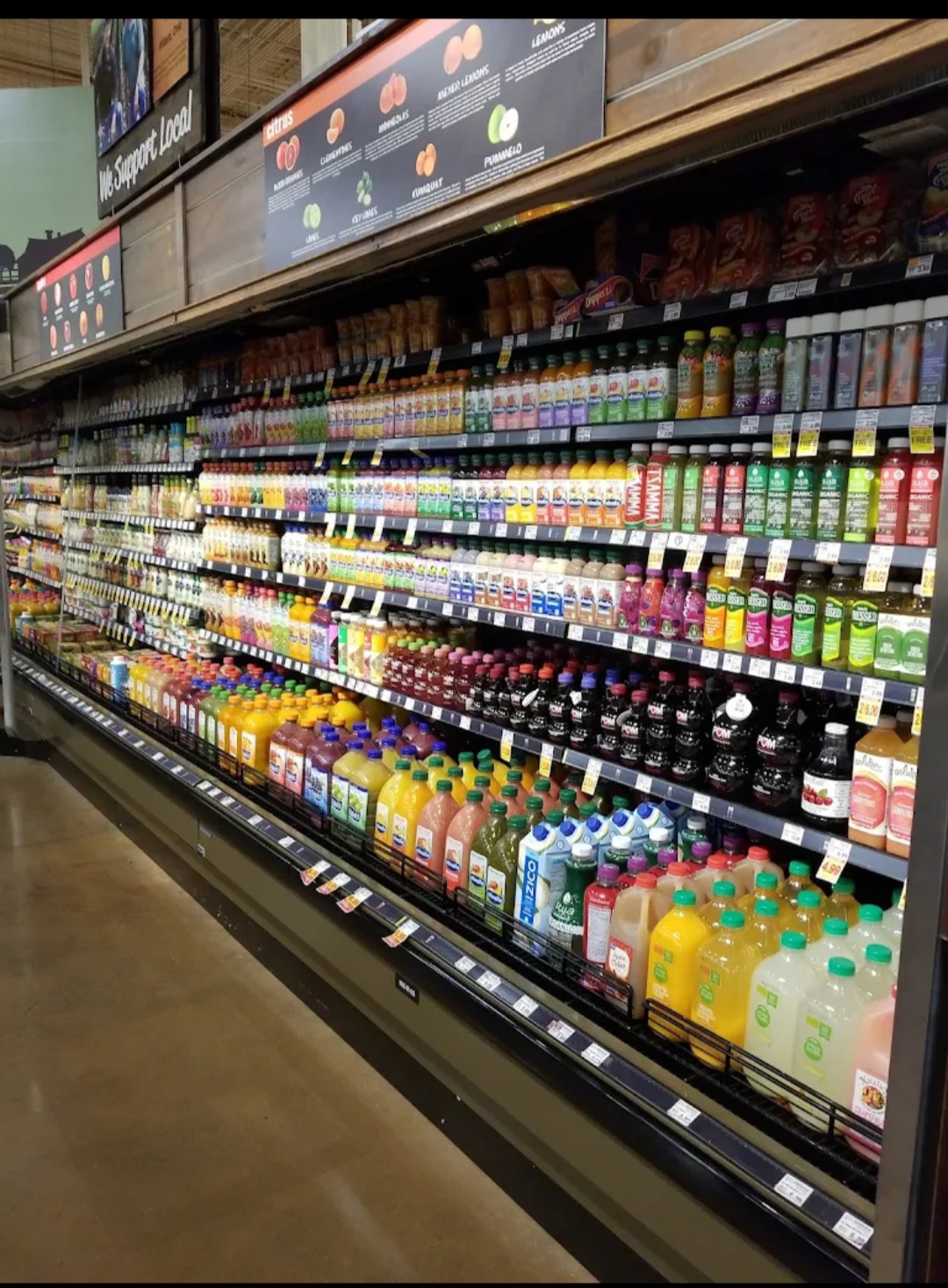
- Bread and juice are the two benefits most commonly based on package size.
- The whole wheat bread benefit includes more than just bread:
- Whole wheat bread
- Whole wheat pasta
- Whole wheat tortillas
- Oats
- Barley
- And other approved whole grains
- If an item isn’t accepted at checkout, always check the package size before assuming it’s not eligible.
-
Self Check Out or Cashier?
- New to the program? Use a checkout lane with a cashier for your first few shopping trips.
- Program rules can be confusing because some benefits are based on:
- The lowest-priced eligible item available that day.
- Product size.
- Brand.
- A cashier can explain why an item is or isn’t covered and help avoid surprises at checkout.
- Once you’re familiar with the program, self-checkout is a convenient option.
- If you have issues or errors at self-checkout:
- Ask to move to a cashier’s register.
- Or ask a store employee for assistance.
- If you are struggling to check out fresh fruits and vegetables, ask the cashier to ring them up under the generic PLU 4469.
- Added Tip: Use the app’s barcode scanner to check item eligibility.
- Keep in mind it’s not always 100% accurate because benefit criteria and store products are updated frequently.
-
WIC Approved does not always equal package approved.
- WIC offers multiple food packages based on USDA regulations and individual nutritional needs.
- Food packages vary by category, including:
- Pregnancy
- Postpartum
- Infants
- Children ages 1–5
- Breastfeeding vs. formula-feeding participants
- Many foods are available across packages, but approved brands, sizes, or quantities may differ.
- Always check your INWIC app before shopping:
- Open the Benefits tab to view your current approved foods and package details.
- Review product specifications to ensure items match your benefits.
- If your food package changes (for example, from pregnancy to postpartum), your approved foods may also change.
- Stores may label items as WIC Approved, but that does not guarantee the item is approved for your specific food package.
- Key reminder: WIC Approved ≠ Package Approved. Always verify items against your current benefits in the INWIC app.